

As of April 2026, WordPress alone powers about 42.5% of all websites, and combined with Shopify, Wix, and Squarespace, template-driven platforms account for the majority of the commercial web. Picking a popular layout without customization almost guarantees a generic look . Learning how to choose a website template requires starting from a requirements list and brand strategy, not just browsing galleries for what looks visually appealing .
Quick Answer
To choose a website template without looking generic, prioritize layouts that offer typographic flexibility, organic structures, and editable section rhythms over standard grid layouts. Test templates against a strict requirements list of must-have pages and conversion paths, then heavily customize colors, fonts, and imagery to match a distinct brand identity.
Key Takeaways
- Template-driven platforms dominate the web, making unedited layouts a major risk to brand identity .
- Start with a non-negotiable requirements list rather than browsing by aesthetics .
- Choose templates with typographic and narrative flexibility, such as editorial or archival index layouts .
- Look for layouts that allow breaking the grid with staggered sections or overlapping elements .
- Apply 2026 design trends selectively, like tactile maximalism or bold typography, to avoid "trend-pack sameness" .
- Always test a template with actual business content to ensure it adapts well.
- Ensure the template supports mobile-friendly responsive breakpoints and basic SEO structures.
- Compare template platforms based on specific business needs, such as ecommerce capabilities or blogging tools.
What Makes a Website Template Look Generic vs Professional?
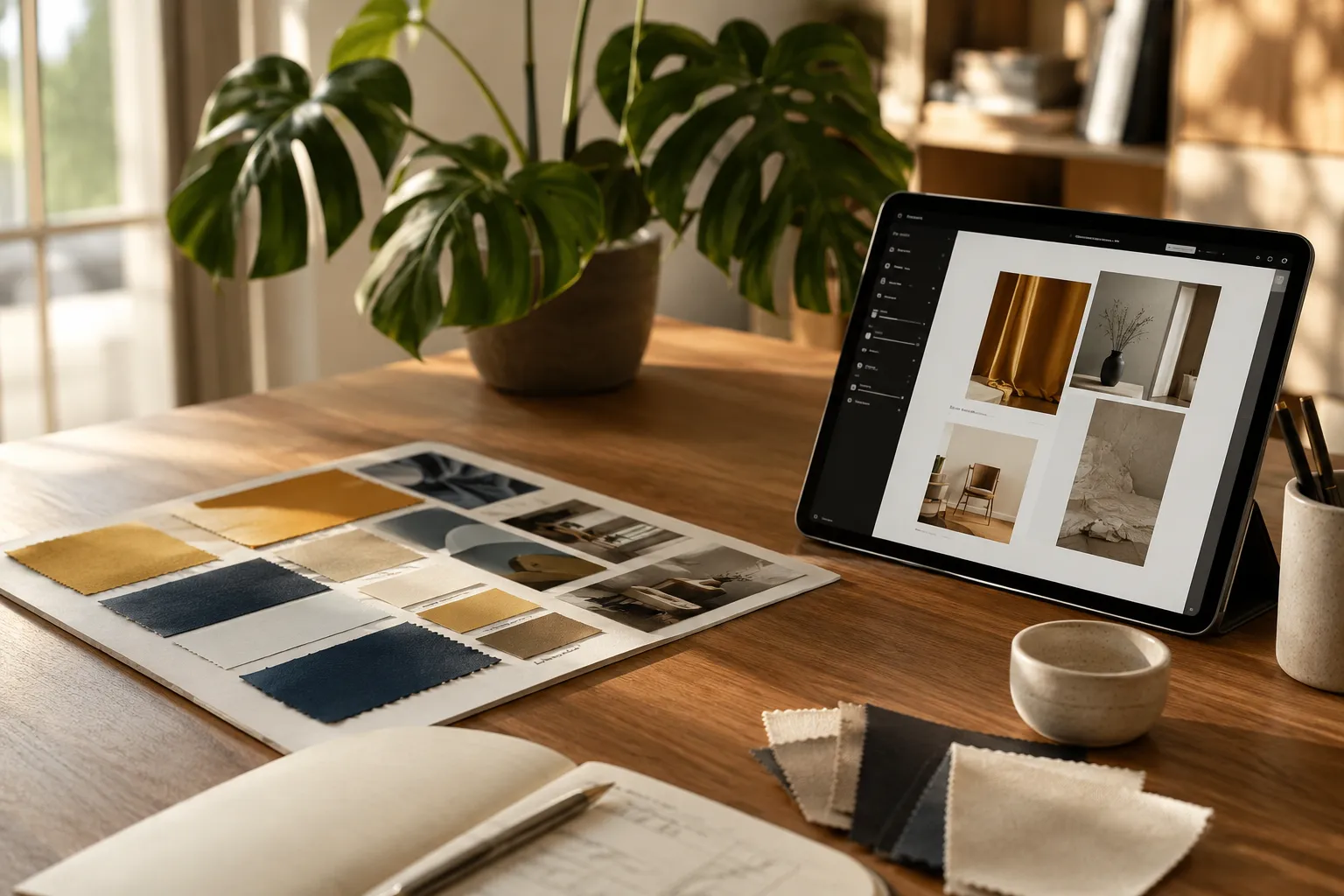
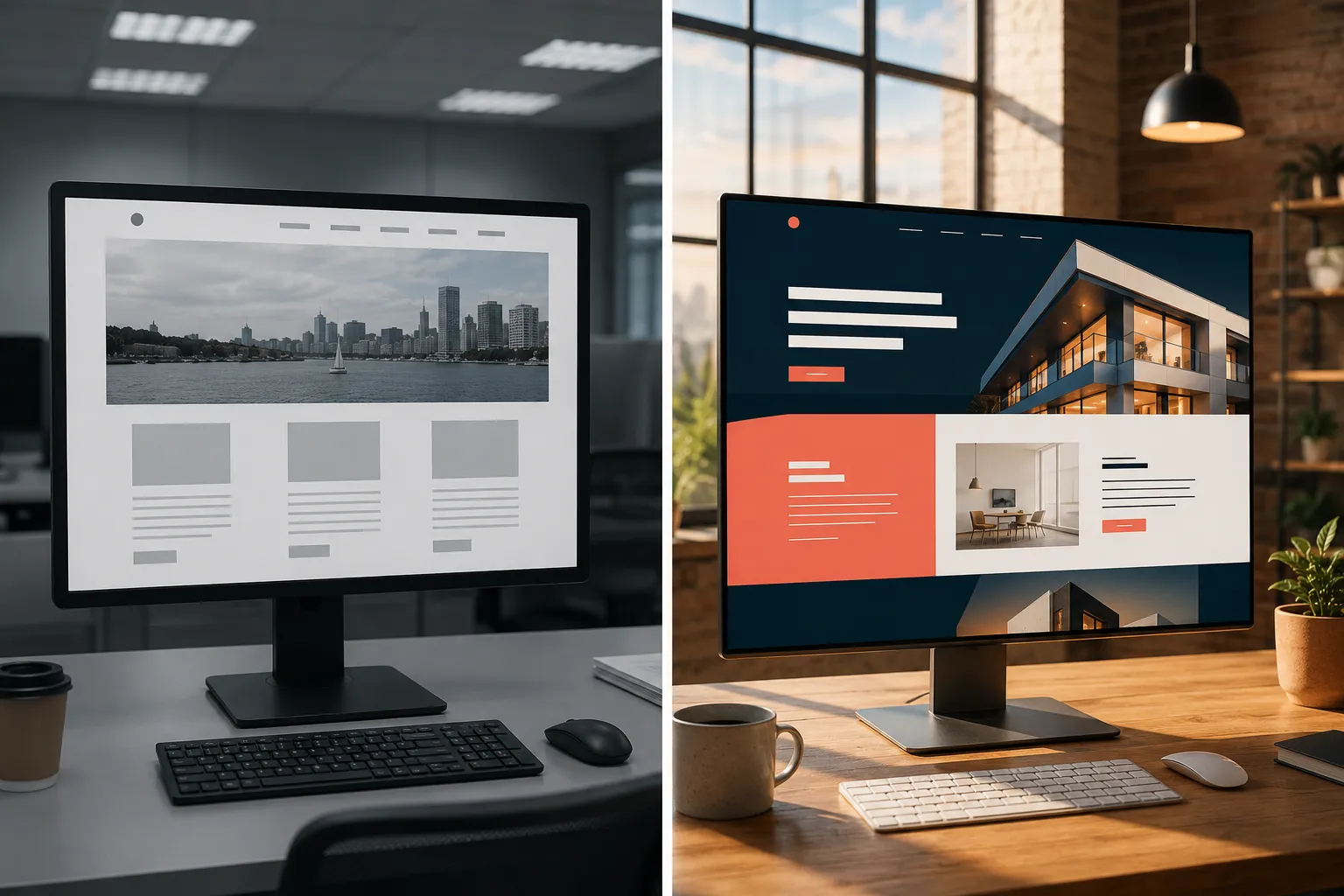
A generic website template relies on standard, predictable layouts like a "hero image plus three columns" structure, while a professional template uses expressive typography, organic structures, and tailored content flows to communicate a distinct brand voice.
Generic templates often use default placeholder text, standard system fonts, and rigid grids that mimic every other SaaS landing page. Professional designs stand out because they adapt to the content rather than forcing the content into a box. 2026 trend reports highlight typography taking center stage, with custom fonts, oversized headlines, and editorial layouts used as core storytelling tools . Templates that support expressive headings and editorial-style sections make it easier to build a distinct voice compared with rigid, cookie-cutter grid layouts .
How to Choose a Website Template: What to Look for When Comparing Options
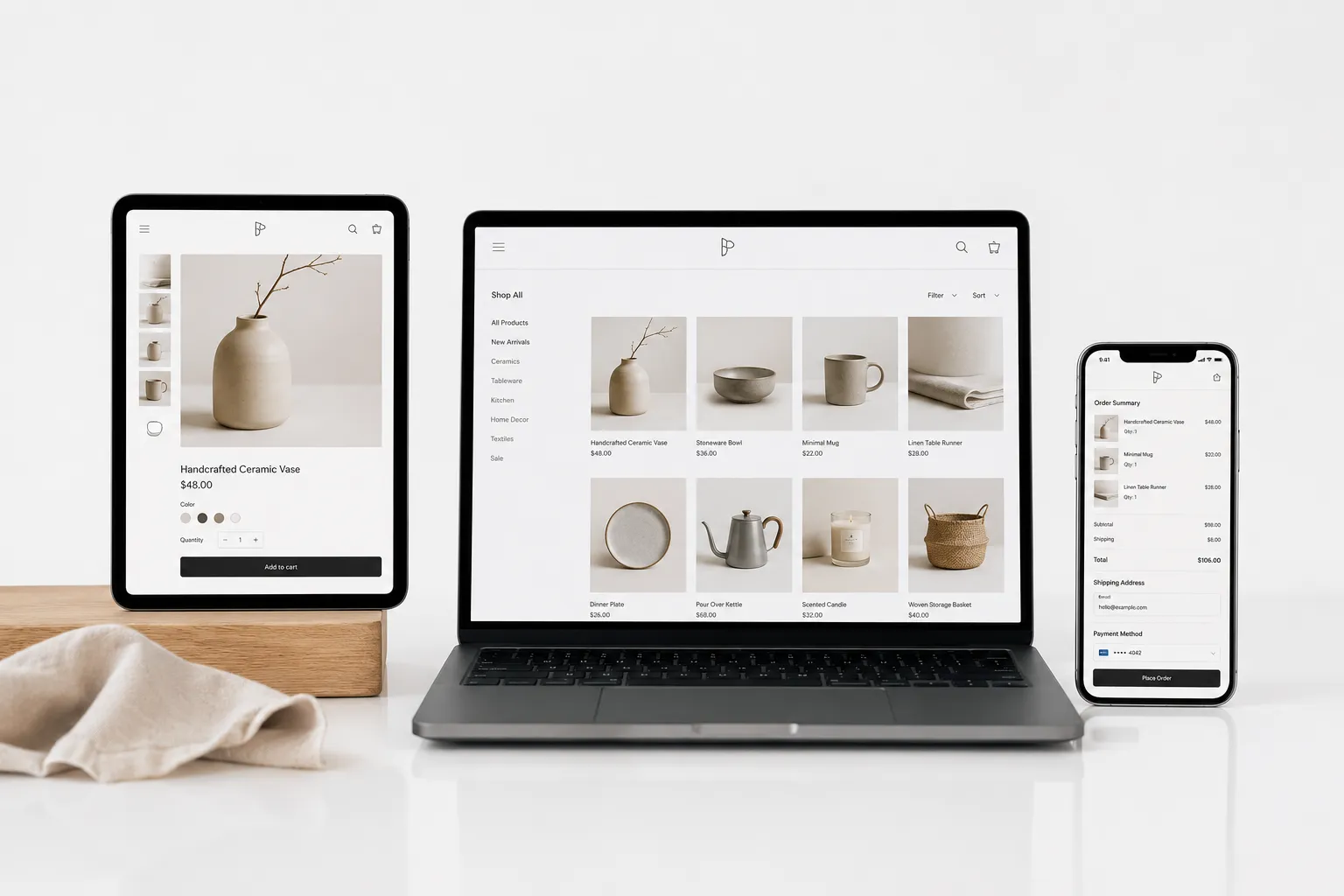
When comparing website templates, look for typographic flexibility, editable section rhythms, and the ability to break standard grid structures. A template should support staggered sections, overlapping elements, or non-standard section rhythms to introduce personality without sacrificing usability .
Write a short, non-negotiable requirements list before browsing galleries. This list should include must-have pages, conversion paths, and necessary integrations. Test templates against this list rather than browsing endlessly by aesthetics . Real quality shows in how well a template adapts to specific content and flows, reflecting a business-first design approach .
How Do I Customize a Template So It Matches My Brand?
Customizing a template to match a brand involves replacing default typography with custom fonts, applying a unique color palette, and restructuring standard sections into organic or staggered layouts.
To avoid diluting brand identity, over-reliance on off-the-shelf templates must be countered with strong, tailored design choices . Use 2026 aesthetic trends selectively to avoid "trend-pack sameness." Major platforms point to trends like tactile maximalism, archival index layouts, dopamine colors, and Bento-grid compositions . Applying one or two of these trends, such as using a Bento-grid for a services page or bold dopamine colors for call-to-action buttons, adds personality without making the site look like every other trendy webpage.
How Do I Know If a Template Will Work for My Industry?
A template will work for a specific industry if it naturally supports the required content types, such as product galleries for retail or service menus for hospitality, without forcing awkward workarounds.
Test the template by inserting actual business text, images, and data structures. If a restaurant template only supports small thumbnail images but the business needs large, full-screen food photography, the template is a poor fit. Industry fit is determined by how well the layout serves the customer journey for that specific niche.
What Features Should a Template Have for Ecommerce?
An ecommerce template must feature clean, distraction-free product pages, a streamlined checkout process, and flexible product grid layouts that handle varying image dimensions.
Look for built-in support for product variants, customer reviews, and related product sections. The template should allow customization of the cart and checkout pages to match the brand's visual identity, ensuring the shopping experience feels cohesive from the landing page to the final purchase.
How to Make Sure My Template Is Mobile Friendly
To ensure a template is mobile-friendly, verify that it uses responsive design breakpoints that automatically adjust layout, font sizes, and image scaling for smaller screens.
Most modern templates from major platforms are responsive by default, but testing is essential. Check how navigation menus collapse on a phone, whether buttons are large enough to tap easily, and if text remains readable without zooming. A mobile-friendly template prioritizes vertical scrolling and touch interactions over hover-dependent features.
Do Templates Have SEO Built In?
Most modern website templates include basic SEO foundations, such as clean HTML structure, fast loading code, and mobile responsiveness, but they do not guarantee search rankings.
The template provides the structure, but the business owner must input metadata, optimize page titles, write descriptive alt text for images, and structure content with proper heading tags. A good template allows easy editing of meta descriptions and URL slugs without requiring code changes.
Website Template vs Custom Design: Which Is Better?
A website template is better for businesses needing a fast, cost-effective launch, while custom design is better for brands requiring highly specific functionality or a completely unique visual identity.
Templates save time and money but carry the risk of looking generic if not customized . Custom design offers total control and uniqueness but requires a larger budget and longer development timeline. For most small businesses, a heavily customized premium template strikes the right balance between cost and distinctiveness.
Best Website Template Platforms for Small Businesses
The best website template platforms for small businesses are those that align with specific operational needs, such as Shopify for ecommerce, Squarespace for visual portfolios, and WordPress for content-heavy sites.
Each platform offers different levels of customization. Squarespace and Wix provide drag-and-drop editors with strong design guardrails, making them hard to break but sometimes limiting. WordPress offers near-total flexibility but requires more technical knowledge. Choose a platform based on the business's technical capacity and long-term growth plans.
How Much Does a Good Website Template Cost?
A good website template typically costs between $0 and $200, depending on the platform and the complexity of the features included.
Many platforms offer free templates, but premium templates usually provide better code quality, more customization options, and dedicated support. Ecommerce templates often cost more due to the complex functionality required for product displays and checkouts. Factor in the cost of the platform subscription, custom domain, and any premium plugins when budgeting for a template.
Can I Change the Design of a Template After I Buy It?
Yes, the design of a template can be changed after purchase, but the extent of those changes depends on the platform's editor and the template's underlying code structure.
Most platforms allow changes to colors, fonts, images, and layout arrangements. However, altering the core structure or adding entirely new section types may require coding knowledge or switching to a different template. Always check the platform's customization limits before committing to a purchase.
Common Mistakes People Make When Choosing Templates
The most common mistake people make when choosing templates is selecting a layout based purely on aesthetics while ignoring how it handles actual content and conversion paths .
Other mistakes include overusing trendy design elements, resulting in "trend-pack sameness," and failing to customize default placeholder text and images. Businesses also frequently choose templates with too many complex animations, which can slow down the site and frustrate mobile users.
Template Selection Checklist
1. Requirements List
Define must-have pages, conversion paths, and integrations before browsing.
2. Typographic Flexibility
Ensure the template supports custom fonts and oversized headlines.
3. Layout Structure
Look for staggered sections or organic layouts to avoid standard grids.
4. Mobile Responsiveness
Verify navigation and text readability on mobile breakpoints.
Template Customization Too Hard: What's the Alternative?
If template customization proves too difficult, the alternatives are hiring a freelance web designer, using a managed website builder service, or purchasing a customized template from a third-party marketplace.
Hiring a professional ensures the template is tailored to the brand without requiring the business owner to learn design software. Managed builder services often include setup and basic customization in their subscription fees, providing a middle ground between a DIY template and a fully custom build.
Conclusion
Choosing a website template without making a business look generic requires a strategic approach. Start with a clear requirements list, prioritize typographic and structural flexibility, and use current design trends selectively to inject personality. Test layouts with real content, ensure mobile responsiveness, and do not be afraid to break the grid. By focusing on how a template adapts to a brand's unique story rather than just how it looks in a gallery, businesses can build a distinct, professional online presence.
Frequently Asked Questions
What makes a website template look generic?
A template looks generic when it relies on standard grid layouts, default system fonts, and predictable hero-plus-columns structures without any brand-specific customization.
How do I customize a template to match my brand?
Customize a template by applying a unique color palette, uploading custom fonts, replacing placeholder images with original photography, and adjusting section layouts to break standard grids.
What should I look for when comparing website templates?
Look for typographic flexibility, editable section rhythms, mobile responsiveness, and how well the layout adapts to actual business content and conversion paths.
Do templates have SEO built in?
Templates provide a clean code structure and mobile responsiveness, which support SEO, but the business must manually input metadata, alt text, and optimized content.
Can I change the design of a template after I buy it?
Yes, colors, fonts, images, and layouts can be changed, but the extent of structural changes depends on the specific platform's editor and the template's code.