
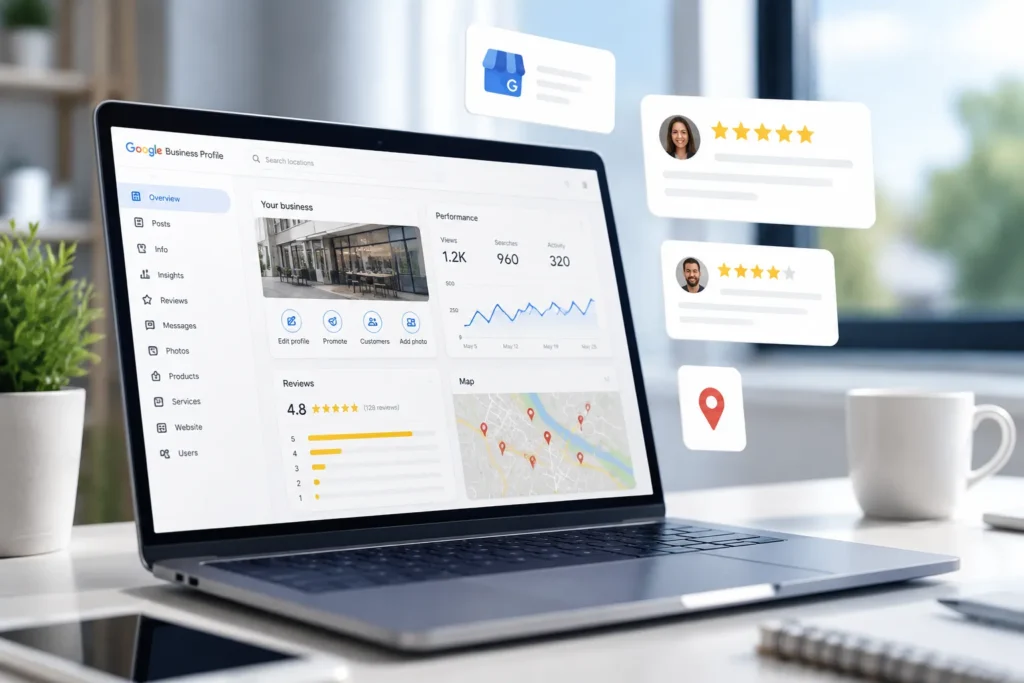
A well-optimized Google Business Profile is the single most impactful free local marketing action any business can take in 2026. A complete, actively managed profile helps the business appear in Google Search and Google Maps results, drives more calls and direction requests, and gives customers the information they need to choose the business over competitors.
Key Takeaways
- Claim and verify the profile before making any edits
- Select the most accurate primary category, it is the top local ranking factor
- Keep business name, address, and phone identical across the web
- Add new photos and Google Posts at least monthly
- Respond to every review within 24 hours
- Use the GBP dashboard to track calls, clicks, and search queries
- A website does not replace a Google Business Profile, use both
What Is a Google Business Profile and Why Does It Matter?

A Google Business Profile is a free listing that appears in Google Search, Google Maps, and the Local Pack when people search for a business by name or for nearby services. It matters because it puts the business in front of customers at the exact moment they are ready to buy, call, or visit.
Google has stated that complete profiles are more likely to be considered reputable by customers . The profile functions like a mini-website inside Google, it displays hours, photos, reviews, services, and even lets customers book appointments or buy products directly.
For staffing firms, a well-optimized profile can serve as a career portal, showcasing open positions and attracting both clients and candidates. Think of it as free marketing technology that works around the clock to help the business grow.
Benefits of an Optimized Google Business Profile
An optimized profile delivers stronger first impressions, provides accessible answers to common customer questions, and creates a quicker path to purchase. Businesses that appear in the Local Pack with photos, reviews, and complete service details earn more trust and more clicks .
Key benefits include:
- Higher visibility in local search, Optimized profiles rank better in Google's local results
- More direct actions, Customers can call, get directions, or visit the website with one tap
- Trust through reviews, Active review management signals credibility
- Free exposure without advertising, No paid advertising is required to appear in Maps
- Customer insights, The dashboard shows how people find the business and what actions they take
How to Optimize Your Google Business Profile for SEO: Step-by-Step
To optimize your Google Business Profile for SEO, claim the listing, complete every field, select accurate categories, add photos and posts regularly, and actively manage reviews. Each step improves how Google ranks the profile in local search results .
Step 1: Claim and Verify Your Profile
Start by visiting google.com/business and searching for the business name. If a listing already exists, request ownership. If not, create a new one. Google requires verification, usually by phone, email, or postcard, before any edits go live .
Common mistake: Waiting weeks to verify. Start the process immediately so changes can go live sooner.
Step 2: Get the Right Categories (and Only the Right Ones)
Categories are the most important ranking factor for local SEO . Choose one primary category that best describes the core business, then add secondary categories only if they are genuinely relevant.
For example, a staffing firm should choose "Employment agency" as its primary category, not "Human resource consulting", unless that is the primary service.
Step 3: Optimize Your Location Strategy
For businesses with multiple locations, create a separate profile for each physical address. Each profile needs location-specific photos, hours, and posts, not duplicated content .
Step 4: Write a Keyword-Rich Business Description
The description allows 750 characters. Include the primary keyword naturally, for example, "marketing and staffing services in Boston", rather than stuffing keywords .
Step 5: Add Services and Products
List every service the business offers. Each service can include a description and price range. This helps Google match the profile to specific search queries and helps customers understand what the business provides .
Step 6: Include High-Quality Photos and Videos
Profiles with photos receive significantly more engagement than those without . Add:
- Exterior and interior shots of the business location
- Team photos to humanize the brand
- Product or service images
- Short videos (up to 30 seconds) showing services in action
Step 7: Use Google Posts Regularly
Google Posts appear on the profile and expire after 7 days for offers or 14 days for events. Posting regularly signals to Google that the business is active .
Post types include:
- What's new, General updates and content
- Offers, Promotions and discounts
- Events, Workshops, webinars, or special dates
- Products, Highlight specific items for sale
Step 8: Encourage and Engage with Reviews
Reviews are among the top local ranking factors . Ask every satisfied customer for a review, in person, by email, or via SMS with a direct link. Respond to every review within 24 hours .
Step 9: Add Important Attributes
Attributes like "women-led," "wheelchair accessible," or "free parking" help the business appear in filtered searches. Google continues adding new attributes, so check periodically .
Step 10: Enable Booking or Buying
If the business uses scheduling software or an e-commerce platform like Shopify, connect it to the profile so customers can book or buy directly from the listing .
Step 11: Maintain NAP Consistency
NAP (Name, Address, Phone) must match exactly across the GBP, website, and all online directories. Even small inconsistencies can confuse Google and hurt local rankings .
How Often Should I Update My Google Business Profile?
Update the Google Business Profile at least monthly, and immediately whenever business details change. Google rewards fresh content, new photos, posts, and service updates signal an active business. At minimum, review the profile quarterly to verify hours, services, and contact information are current .
What's the Difference Between Google Business Profile and Google My Business?
Google My Business (GMB) was rebranded to Google Business Profile (GBP) in 2021. The core functionality remains similar, but the management interface moved from a standalone dashboard to direct editing within Google Search and Google Maps. Businesses now search for their own name in Google and click "Manage business" to edit their listing .
How Do I Add Photos and Videos to My Business Profile?
To add photos and videos, open the GBP dashboard, go to the "Photos" tab, and upload files. Use a high-resolution exterior shot as the cover photo. Add interior photos, team photos, and product images regularly. Videos up to 30 seconds can be uploaded directly from a phone or computer .
Why Isn't My Google Business Profile Showing Up in Search Results?
A profile may not appear in search results for several reasons: it is unverified, suspended, or lacks optimization. Common causes include inconsistent NAP information, guideline violations like keyword stuffing in the business name, or the profile being too new to have accumulated trust .
Troubleshooting steps:
- Confirm the profile is verified
- Check for suspension notifications
- Ensure NAP matches the website exactly
- Remove any keyword stuffing from the business name
- Request reinstatement if suspended
How to Get More Reviews on Your Google Business Profile
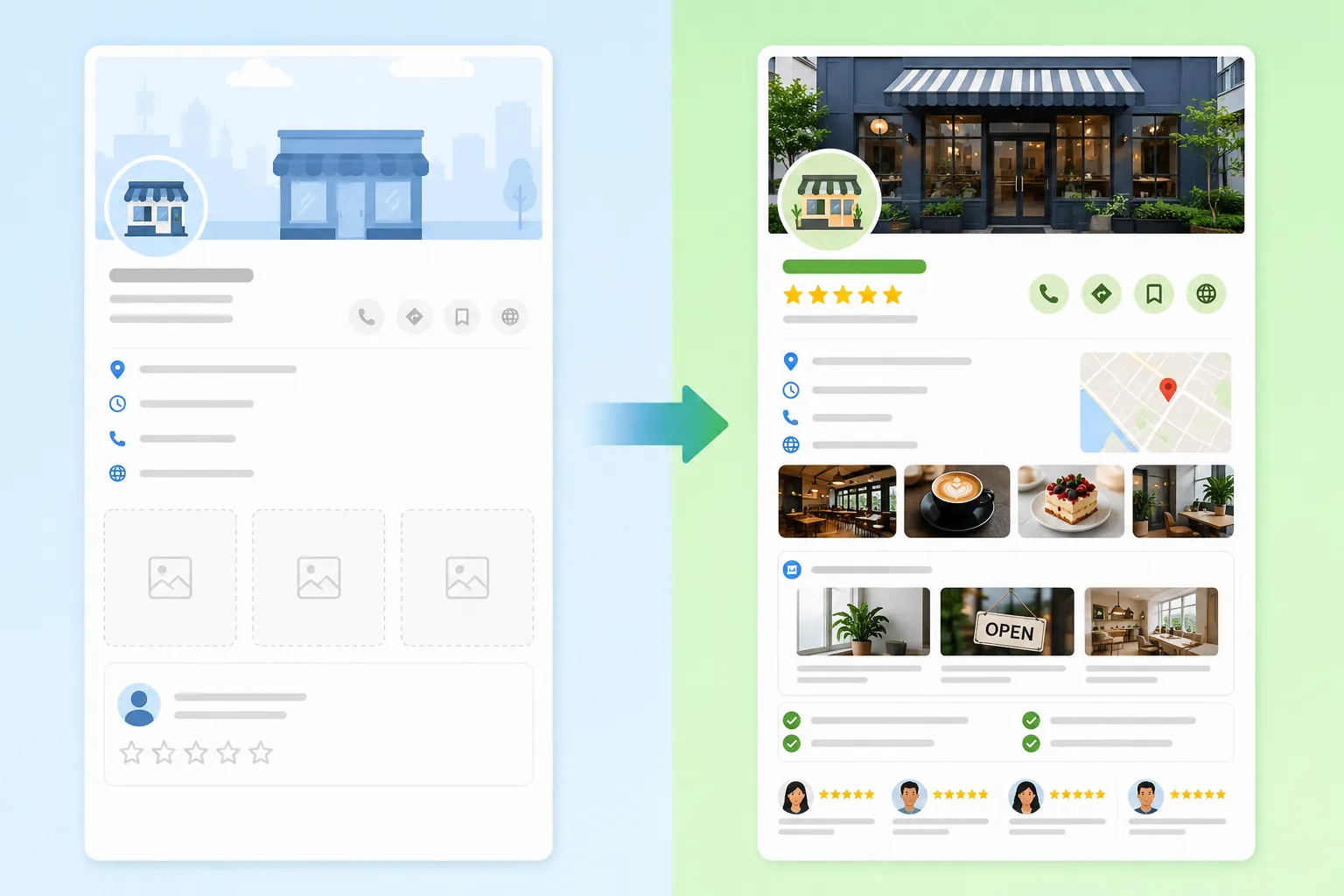
To get more reviews, ask every satisfied customer directly, in person, by email, or by SMS. Provide a short link to the review form. Never buy reviews or offer incentives, as Google penalizes both . Responding to existing reviews also encourages new ones, as customers see the business is engaged and responsive .
Review request tips:
- Send the request within 24 hours of service
- Use a direct Google review link, not a generic page
- Follow up once if no review appears after a week
- Thank every customer who leaves a review
What Keywords Should I Use in My Google Business Profile?
Use keywords that match how customers actually search. Include the primary service and location naturally in the business description, service titles, and post content. For example, a staffing firm in Chicago might use "staffing services Chicago" and "marketing staffing agency" .
Avoid keyword stuffing, Google's guidelines explicitly prohibit loading the business name with keywords like "Best Staffing Services Chicago LLC" .
Can I Optimize My Google Business Profile for Local SEO?
Yes, local SEO is the primary purpose of a Google Business Profile. To improve local ranking on Google, focus on three factors Google uses: relevance (categories and keywords), distance (proximity to the searcher), and prominence (reviews, links, and brand authority) .
How to Respond to Negative Reviews on Google Business Profile
Respond to negative reviews professionally and promptly. Acknowledge the issue, offer to resolve it offline, and avoid defensiveness. A calm, constructive response shows potential customers the business cares about customer satisfaction .
Response framework:
- Thank the reviewer for their feedback
- Acknowledge the specific concern
- Offer a resolution or invite further discussion
- Sign off with a name, not just the business name
What Are the Most Common Mistakes People Make with Google Business Profile?
The most common mistakes include keyword stuffing the business name, ignoring reviews, selecting wrong categories, inconsistent NAP, neglecting posts, and having no photos .
| Mistake | Impact | Fix |
|---|---|---|
| Keyword stuffing in name | Suspension risk | Use real business name |
| Ignoring reviews | Lost trust | Respond within 24 hours |
| Wrong categories | Poor rankings | Choose accurate categories |
| Inconsistent NAP | Confused Google | Audit all directories |
| No posts | Inactive signal | Post weekly |
| No photos | Fewer clicks | Add 10+ photos |
How Long Does It Take for Google Business Profile Changes to Show Up?
Most changes appear within 1-3 days, but some updates, especially category changes or new listings, can take up to 14 days. Google reviews all edits for quality before publishing them .
Do I Need a Google Business Profile If I Have a Website?
Yes. A website and a Google Business Profile serve different purposes. The website is owned property where the business controls the experience; the GBP captures customers at the moment of search on Google and Google Maps. Using both maximizes visibility and gives customers multiple ways to find and contact the business .
How to Track Analytics and Performance on Google Business Profile
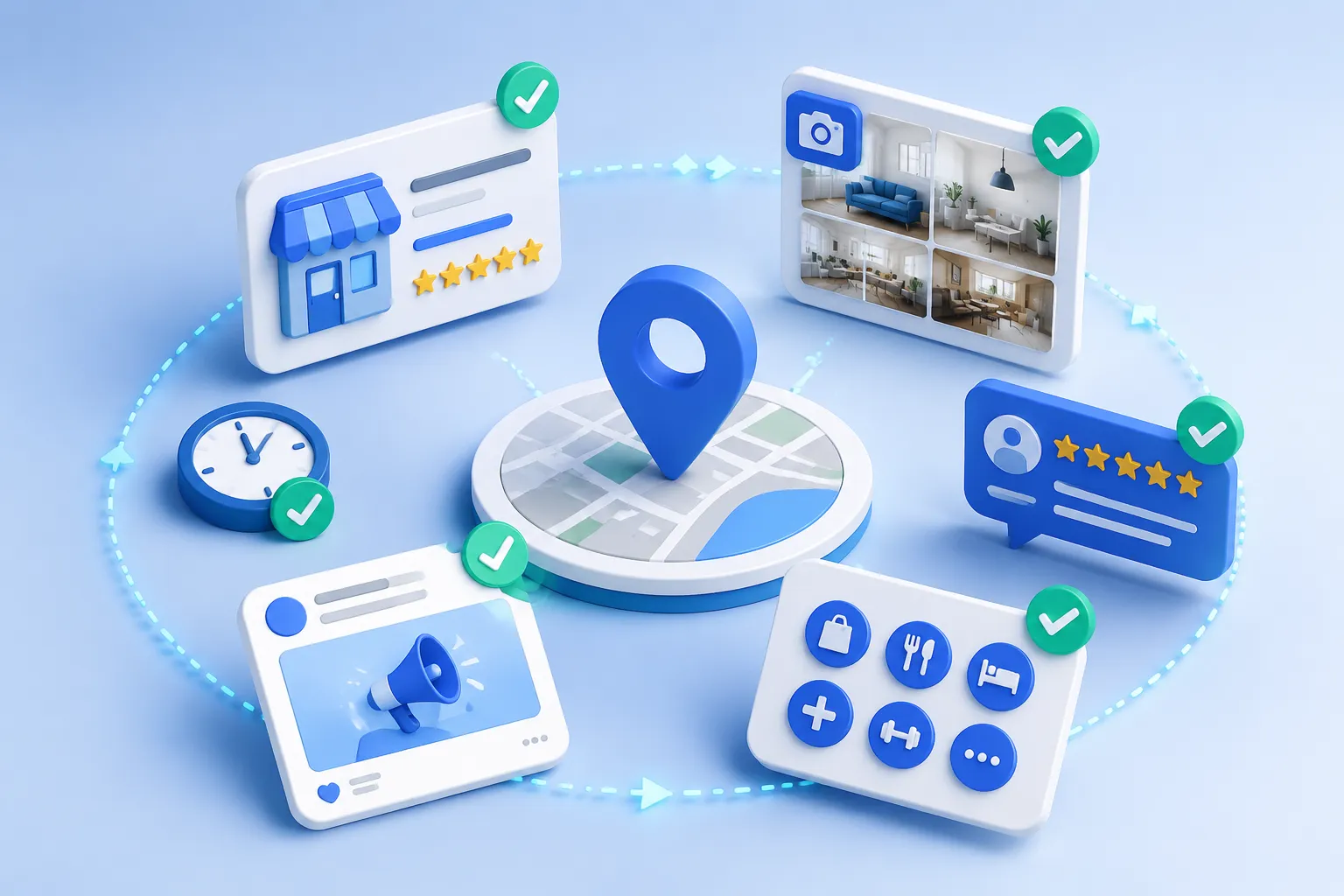
The GBP dashboard provides performance metrics including search queries, calls, direction requests, website clicks, photo views, and review activity . For deeper analysis, connect the profile to Google Analytics and use UTM parameters on links shared in posts.
Key metrics to track:
- Search queries, What terms trigger the listing
- Calls and direction requests, Direct customer actions
- Photo views, Engagement with visual content
- Website clicks, Traffic driven from the profile
Google Business Profile Optimization FAQ
Is SEO dead or evolving in 2026?
SEO is not dead, it is evolving. In 2026, SEO increasingly overlaps with local search, AI-generated answers, and zero-click results. Optimizing a Google Business Profile remains one of the most effective SEO actions because it captures high-intent local traffic that organic results alone cannot reach .
How do I get my Google Business Profile to 100 percent?
To reach 100% profile completeness, complete every section: business name, address, phone, website, hours, categories, description, services, products, photos, attributes, and posts. Google's dashboard shows a completeness meter, keep adding information until it reaches 100% .
What is the 80 20 rule of SEO?
The 80/20 rule of SEO means 80% of results come from 20% of efforts. For local SEO, that 20% includes accurate categories, consistent NAP, quality reviews, and regular posts. Focus on these high-impact actions before worrying about minor tweaks .
How do I get the most out of my Google Business Profile?
To get the most out of a GBP, treat it as an active marketing channel, not a set-and-forget listing. Post weekly, respond to every review within 24 hours, add fresh photos monthly, and use analytics to understand what drives calls and clicks .
Conclusion
Optimizing a Google Business Profile is the most cost-effective local marketing action available to any business in 2026. The process is straightforward: claim the profile, complete every section, post regularly, and engage with reviews. Businesses that treat their GBP as an active channel, not a static listing, consistently see more calls, more direction requests, and more customers.
Start by claiming the profile at google.com/business, then work through the eleven steps above. The results compound over time: more reviews lead to better rankings, better rankings lead to more visibility, and more visibility leads to more customers, all for free.