
Quick Answer: The choice between a diy website builder vs hiring a professional comes down to budget, complexity, and how central the website is to revenue. DIY builders like Wix and Squarespace cost $10,$80 per month and work well for simple brochure sites, freelancers, and side hustles. Professional web design typically runs $1,500,$7,500 upfront but delivers better conversion rates, SEO performance, and scalability for businesses that depend on their website to drive sales [1][5][10].
Key Takeaways
- DIY builders cost $10,$80/month; professional builds typically start at $1,500,$7,500 [1][5][10].
- DIY requires 20-80 hours of owner time for setup; professionals need about 5 hours per year from the owner after launch [2].
- Professionals often recoup their cost within 12-18 months for businesses that rely on search visibility and conversions [4][6].
- Wix and Squarespace are sufficient for simple brochure sites but fall short for competitive SEO or complex ecommerce [8][9].
- Switching from a DIY platform to a custom site later means rebuilding from scratch, effectively paying twice [4][6].
- AI-powered DIY builders are narrowing the gap for simple sites but still lack strategic branding and custom logic [7][8].
What's the Difference Between DIY Website Builders and Hiring a Professional?
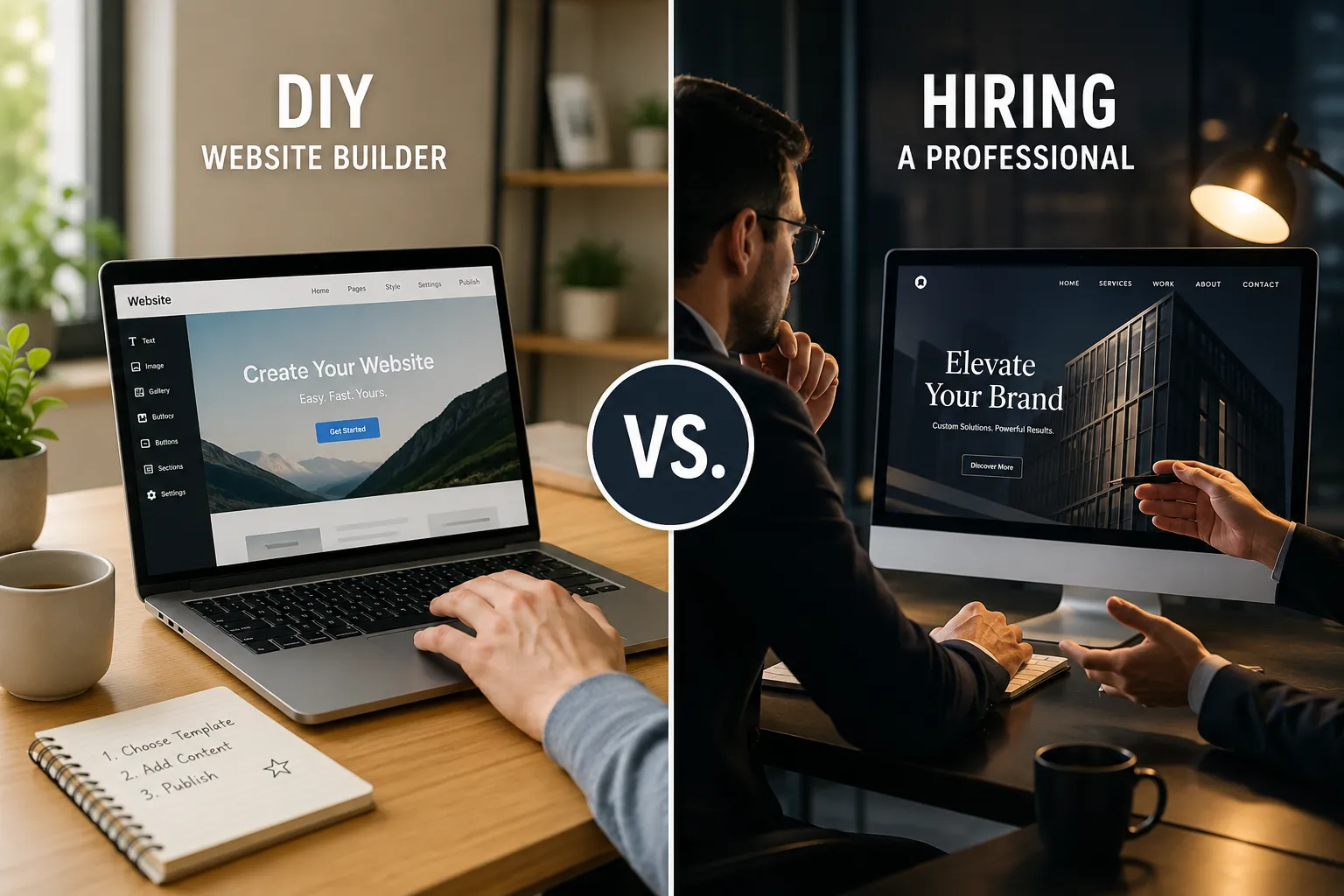
DIY website builders provide pre-built templates and drag-and-drop tools that let anyone assemble a site without coding. Professional web designers create custom layouts, write optimized code, and build around specific business goals like lead generation or ecommerce conversions [1][6].
DIY builders give you:
- Template-based design with limited customization
- Built-in hosting, security, and SSL certificates
- AI-assisted layout and copy suggestions (increasingly common in 2026)
- Monthly subscription pricing with no large upfront cost
Professional designers provide:
- Custom design tailored to your brand and audience
- Technical SEO setup, including structured data and performance tuning
- Conversion-focused user journeys and A/B testing
- Ongoing maintenance, security patches, and performance optimization
The core difference is strategy. A DIY builder gives you tools; a professional gives you a system designed to achieve specific business outcomes [4][6].
Choose DIY if your site is a simple online brochure. Choose a professional if design is a competitive advantage or you need custom integrations.
How Much Does It Cost to Hire a Professional Web Designer vs Using a DIY Builder?
DIY builders are dramatically cheaper upfront, $10,$30/month for basic plans and $40,$80/month for business tiers. Professional web design typically costs $1,500,$7,500 for most small businesses, with complex projects exceeding $100,000 [1][5][10].

The "cheap DIY" narrative often ignores hidden costs. Over three years, a DIY business site can accrue $1,500,$3,000 once paid plans, add-ons, and owner time are accounted for. A budget professional build may cost only about $340 more over three years, while a mid-range professional build runs about $1,140 more, a smaller gap than most people assume [1].
| Factor | DIY Builder | Professional |
|---|---|---|
| Upfront cost | $0,$450 | $1,500,$7,500+ |
| Monthly cost | $10,$80 | $10,$50 (hosting) |
| Owner time (setup) | 20-80 hours | 5-10 hours |
| 3-year total (estimate) | $1,500,$3,000 | $2,000,$4,000 |
Common mistake: Comparing only the monthly subscription and ignoring the value of owner time. If you value your time at $30/hour, 60 hours of DIY work adds $1,800 in opportunity cost [1].
Can You Build a Professional Looking Website Yourself With No Coding Experience?
Yes, modern no-code builders like Wix, Squarespace, and AI-driven platforms now offer designer-grade templates that produce visually polished sites without any coding [8]. However, "professional looking" and "professionally effective" are different things.
Skills you need for DIY:
- Basic visual design sense (spacing, color, typography)
- Ability to write clear, compelling copy
- Understanding of basic SEO (meta titles, image alt text, page structure)
- Willingness to learn the platform's interface and update it regularly
What DIY builders still struggle with:
- Advanced SEO for competitive keywords
- Custom user flows and multi-step funnels
- Complex integrations (CRM, inventory, booking systems)
- Performance optimization for Core Web Vitals
AI features in 2026 builders automate layout, suggest copy, and handle basic SEO, narrowing the gap with professionals for simple sites [7]. But for businesses where the website is the primary sales engine, professional oversight still delivers measurably better results [4][9].
Choose DIY if you need a 3-5 page site with standard sections. Choose a professional if you need custom functionality or competitive search rankings.
When Should You Hire a Professional Instead of Using a Website Builder?
Hire a professional when your website is a core revenue driver, you need competitive search rankings, or you require custom functionality that templates cannot handle [4][6][9].

Hire a professional if:
- Your business depends on local SEO to attract customers
- You need ecommerce with inventory, payment, and shipping logic
- Design and branding are key differentiators in your market
- You need integrations with CRM, ERP, or booking systems
- You plan to scale significantly within 2-3 years
Stick with DIY if:
- You are a student, freelancer, or creator with a simple portfolio
- Your site is an online brochure with basic contact info
- Budget is the primary constraint
- You enjoy hands-on control and frequent content updates
For side hustles and very small businesses, DIY is usually the better starting point. For growing businesses with marketing goals, professional design and ongoing optimization yield higher lifetime ROI [8][9][10].
Is Wix or Squarespace good enough for a small business? Yes, for simple brochure sites and early-stage businesses. No, if you need to rank competitively in local search or run a complex ecommerce store [8][9].
Is hiring a web designer worth it for ecommerce? Almost always. Ecommerce involves payment security, inventory logic, conversion optimization, and product page performance, areas where DIY templates consistently underperform [4][6].
Should you use a website builder or hire a freelancer for your side hustle? Start with a DIY builder. Side hustles rarely need custom design or competitive SEO. Upgrade to a professional when the business grows and the website becomes a revenue driver [8][9].
What Are the Biggest Mistakes People Make When Building Their Own Website?
The most common DIY mistakes are ignoring SEO, choosing templates that don't match the brand, underestimating time investment, and neglecting mobile optimization [2][4].
Top DIY mistakes:
- No SEO strategy: DIY users rarely set up structured data, optimize page speed, or build internal linking, limiting search visibility from day one
- Template overload: Using too many fonts, colors, and sections that make the site look generic and cluttered
- Ignoring mobile: Many DIY sites look fine on desktop but break on mobile, where most traffic lives
- No conversion path: Pages lack clear calls-to-action, contact forms, or lead capture mechanisms
- Set-and-forget: DIY sites often go unmaintained, with outdated content, broken links, and security vulnerabilities
Edge case: Some businesses build a DIY site, then hire a professional 12-18 months later when growth stalls. They effectively pay twice, once for the DIY subscription and again for the full rebuild [4][6].
How Long Does It Take to Build a Website Yourself vs Hiring Someone?
A DIY site typically takes 20-80 hours of owner time spread over several weeks. A professionally built site takes 4-12 weeks of calendar time but requires only 5-10 hours of owner involvement for approvals and feedback [2][1].
| Phase | DIY (owner time) | Professional (calendar time) |
|---|---|---|
| Planning | 3-5 hours | 1-2 weeks |
| Design | 10-30 hours | 2-4 weeks |
| Content | 5-20 hours | 1-2 weeks |
| Launch | 2-5 hours | 1 week |
| Ongoing | 5+ hours/year | Included or retainer |
After launch, DIY owners spend ongoing time on updates, troubleshooting, and learning the platform. Professionally managed sites handle maintenance, security, and optimization with minimal owner involvement [2][6].
Quick example: A freelancer who spends 40 hours building a portfolio site at $30/hour of opportunity cost has invested $1,200 in hidden time, close to the cost of a budget professional build.
Can You Switch From a DIY Builder to a Custom Website Later?
Technically yes, but practically it means rebuilding from scratch. DIY platforms like Wix and Squarespace use proprietary systems that don't export cleanly to WordPress, custom code, or other platforms [4][6].
What transfers:
- Text content (copy can be copied manually)
- Images and media files
- Domain name (can be redirected)
What doesn't transfer:
- Page layouts and design structure
- SEO settings and URL structures (often causing ranking drops)
- Custom functionality and integrations
- Blog post formatting and internal links
This is why many businesses eventually pay twice, first for the DIY subscription, then for a full professional rebuild when they hit growth ceilings [4][6].
Decision rule: If you expect to need a custom site within 18 months, skip the DIY phase and invest in a professional build from the start.
Which DIY Website Builders Are Best for Beginners in 2026?
In 2026, the best DIY builders for beginners combine AI-assisted design, intuitive interfaces, and reasonable pricing. Wix, Squarespace, and Hostinger lead the pack for ease of use [7][8].
Top picks for beginners:
- Wix: Best overall for flexibility and AI-assisted design
- Squarespace: Best for visually driven portfolios and creative businesses
- Hostinger: Best budget option with AI site generation
- Shopify: Best for ecommerce-focused beginners
AI features have significantly narrowed the visual gap between DIY and professional design for simple sites. However, strategic branding, unique UX, and complex logic still benefit from professional oversight [7].
Choose a DIY builder if you need a site live within a week and your needs are simple. Choose a professional if your site must outperform competitors in search, conversions, or branding.
Website Decision Helper
Answer three quick questions to get a recommendation.
Under $50/month
$50,$200/month
$200+/month
Simple brochure or portfolio
Blog + lead capture forms
Ecommerce or custom integrations
No, it supports my business
Yes, it drives most sales
function cgUpdate(){var b=document.getElementById(“cg-budget”).value;var c=document.getElementById(“cg-complexity”).value;var r=document.getElementById(“cg-revenue”).value;var box=document.getElementById(“cg-result”);var msg,color,border;if(r===”yes”||c===”complex”){msg=”Hire a professional. Your site is too important or complex for a DIY builder. Expect $1,500,$7,500 upfront, but the ROI typically pays off within 12-18 months.”;color=”#fef3e8″;border=”#e8742c”;}else if(b===”high”&&c!==”simple”){msg=”Hire a professional. Your budget supports it and your needs go beyond a basic template. A custom build will give you better SEO and conversion performance.”;color=”#fef3e8″;border=”#e8742c”;}else if(c===”moderate”&&r===”no”){msg=”Start with a DIY builder, then upgrade later. Wix or Squarespace can handle your needs for now. Budget for a professional rebuild if growth accelerates.”;color=”#e8f5e9″;border=”#34a853″;}else{msg=”Use a DIY builder. Wix, Squarespace, or Hostinger will serve you well. Your needs are simple and a professional build isn’t necessary yet.”;color=”#e8f5e9″;border=”#34a853″;}box.textContent=msg;box.style.background=color;box.style.borderLeftColor=border;}
FAQ
Is a DIY website builder cheaper than hiring a professional?
Upfront, yes, DIY plans cost $10,$80/month versus $1,500,$7,500 for professional design. But over three years, the total cost gap is often smaller than expected once owner time and add-ons are included [1][5].
Can I build a professional website with no coding?
Yes. Modern builders like Wix and Squarespace offer designer-grade templates and AI tools. The result looks professional, but performance, SEO, and conversion optimization may lag behind a custom build [7][8].
When is hiring a web designer worth it?
When your website is a key marketing or sales engine, you need competitive SEO, or you require custom functionality. Professional sites often recoup their cost within 12-18 months through better conversions [4][6].
How long does a DIY website take to build?
Expect 20-80 hours of your own time over several weeks. A professional build takes 4-12 weeks of calendar time but only 5-10 hours of your involvement [2].
Can I move my DIY site to WordPress later?
Not easily. Content can be copied, but layouts, SEO settings, and functionality must be rebuilt from scratch, effectively meaning you pay twice [4][6].
Is Wix or Squarespace good enough for a small business?
For simple brochure sites and early-stage businesses, yes. For competitive local SEO, complex ecommerce, or custom integrations, a professional build is recommended [8][9].
Do professional websites perform better in search?
Generally yes. Professionals build around technical SEO, structured data, and Core Web Vitals, areas where DIY templates rarely match without significant manual effort [4][6].
Should I use a website builder or hire a freelancer for my side hustle?
Start with a DIY builder. Side hustles rarely need custom design or competitive SEO. Upgrade to a professional when the business grows and the website becomes a revenue driver [8][9].
Conclusion
The diy website builder vs hiring a professional decision hinges on one question: is your website a brochure or a business engine? For freelancers, creators, and simple small-business sites, modern DIY builders deliver professional-looking results at a fraction of the cost. For businesses that depend on search visibility, conversions, and custom functionality, professional design pays for itself, often within the first year.
Actionable next steps:
- List your must-have features (ecommerce, booking, SEO, integrations)
- Estimate your available time at $30/hour to calculate hidden DIY costs
- Get 2-3 quotes from professional designers if your site is revenue-critical
- Start with a DIY builder if your needs are simple and budget is tight
- Plan to invest in a professional build before you outgrow your DIY site
References
[1] DIY Website Builders Vs Professional Web Design Which Is Right For You – https://horizonsdesign.co.uk/blog/diy-website-builders-vs-professional-web-design-which-is-right-for-you/
[2] DIY Vs Professional Website – https://ironbrev.com/blog/diy-vs-professional-website
[4] DIY Vs Professional Web Design – https://thunderloud.com/blog/diy-vs-professional-web-design
[5] DIY Vs Professional Web Design Cost 2025 – https://orkkid.com/blog/diy-vs-professional-web-design-cost-2025
[6] DIY Vs Professional Web Design – https://elevatewebdesign.ca/blog/diy-vs-professional-web-design
[7] DIY Website Builders Vs Web Designer Comparison – https://zoer.ai/posts/zoer/diy-website-builders-vs-web-designer-comparison
[8] Build Own Website Vs Hire Professional – https://sitesplaced.com/blog/build-own-website-vs-hire-professional
[9] DIY Vs Professional Web Design – https://www.b-squared.tech/resources/diy-vs-professional-web-design
[10] Website Cost – https://neilpatel.com/blog/website-cost/